
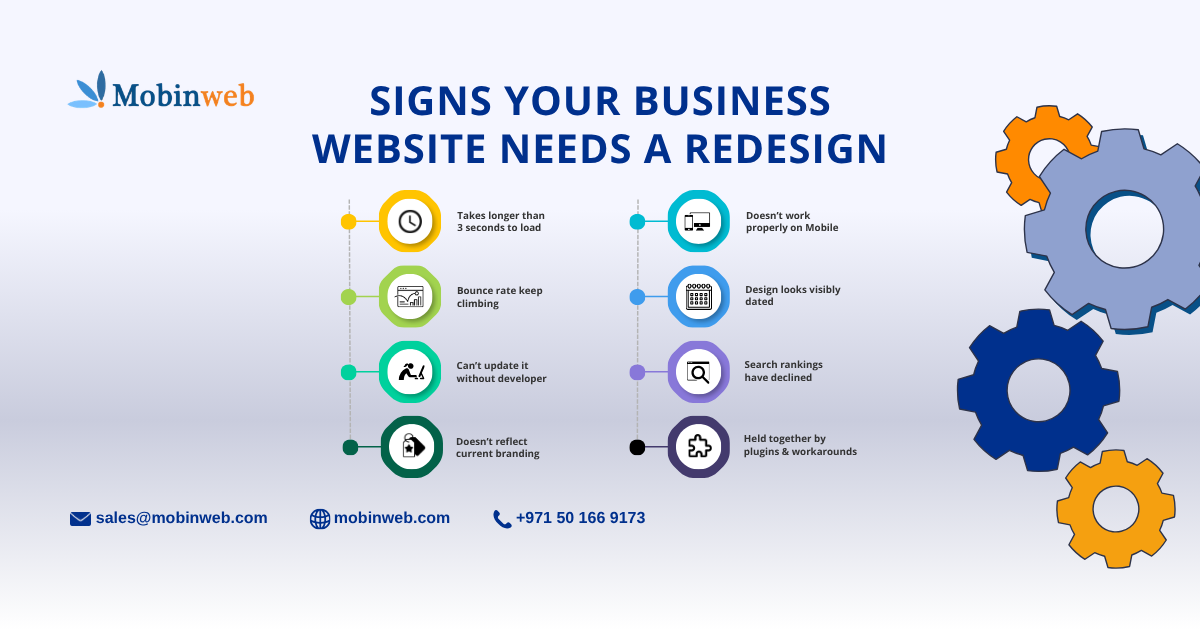
Signs Your Business Website Needs a Redesign
The clearest signs your business website needs a redesign are: it takes longer than 3 seconds to load, it doesn’t display properly on mobile, your bounce rate keeps climbing, the design looks visibly outdated next to competitors, you can’t easily update content yourself, your search rankings have quietly declined, and the site no longer reflects your current branding or services. Most websites need a full redesign every 2 to 3 years — sooner if several of these signs show up at once. If you’re only seeing one or two, a smaller refresh may be enough.
Here’s how to tell which situation you’re actually in.
How Often Should a Website Actually Be Redesigned?
There’s no fixed rule, but the pattern across the industry is consistent: the average website’s useful lifespan before it needs a redesign has shrunk to about 2 to 3 years, down from 3 to 5 years a decade ago, according to an analysis of design and performance data compiled by Colorlib. Design trends move fast, but the bigger driver is usually technical — performance standards, mobile expectations, and search algorithms all shift faster than most businesses update their sites.
That timeline shortens further if your site was built on an older platform, hasn’t had a content update in over a year, or was designed before mobile traffic became the majority of visits.
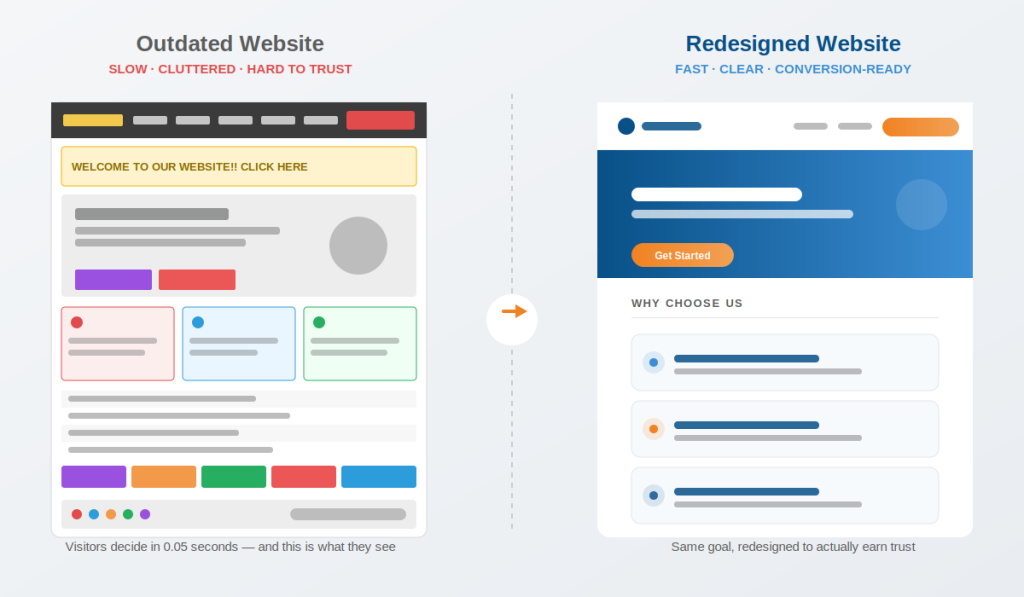
8 Signs Your Website Needs a Redesign
1. It takes longer than 3 seconds to load Page speed is one of the clearest, most measurable signs. Slow load times don’t just frustrate visitors — they actively push them away before they see your content, especially on mobile.
2. It doesn’t work properly on mobile If pinching, zooming, or horizontal scrolling is required to read your site on a phone, you’re losing the majority of your traffic before they engage with anything.
3. Your bounce rate keeps climbing and you can’t explain why A rising bounce rate with no obvious cause (no traffic-source change, no content change) is often a signal that visitors are landing on the page and immediately deciding it looks slow, thin, or untrustworthy.
4. The design looks visibly dated next to competitors If a visitor can guess your site’s age within a few seconds, that’s a credibility problem — design is one of the fastest ways people judge whether a business is active and trustworthy.
5. You can’t update it yourself without calling a developer A website that requires a developer for every text change or new page is a sign the underlying platform, not just the design, needs work.
6. Search rankings have quietly declined If you haven’t changed your content strategy but rankings are slipping, technical issues — page speed, mobile usability, broken structure — are common, overlooked culprits.
7. It doesn’t reflect your current branding, services, or offers A rebrand, new service line, or updated logo that isn’t reflected on your website creates a mismatch that confuses new visitors and undercuts marketing spent elsewhere.
8. You’re patching it together with workarounds and plugins If your team has stacked plugins, hacks, and manual workarounds to make the site do things it wasn’t built for, that’s usually cheaper to rebuild properly than to keep patching.
What It Actually Costs to Ignore These Signs
These signs are easy to dismiss individually, but the data on what they cost is well documented. Research reviewed by Clique Studios shows that as page load time increases from one second to three seconds, the probability of a visitor bouncing rises by 32%, and pages taking five seconds see bounce rates jump even further. On the design side, the same body of research puts a company’s perceived credibility as roughly 75% influenced by website design alone — meaning an outdated site isn’t just a cosmetic issue, it’s actively working against how trustworthy your business looks.
In short: these signs rarely fix themselves, and the longer they sit, the more traffic and trust they quietly cost.
Full Redesign or Just a Refresh?
Not every sign above means you need to rebuild from scratch. Here’s a quick way to tell which one you’re dealing with:
| Symptom | A Refresh Might Fix It | You Likely Need a Full Redesign |
| Design feels a little dated but works fine | ✅ New visuals, updated copy | — |
| Site is slow across most pages | — | ✅ Usually a platform/code issue |
| Not mobile-friendly | — | ✅ Needs responsive rebuild |
| A few outdated images or sections | ✅ Targeted content update | — |
| Can’t add new features (booking, e-commerce, etc.) | — | ✅ Needs new functionality built in |
| Rankings declining site-wide | — | ✅ Likely a technical/structural issue |
If you’re not sure which column your site falls into, that’s usually itself a sign it’s worth getting a professional opinion before spending on either option.
Frequently Asked Questions
Q: How do I know if my website needs a redesign or just an update? If the issues are cosmetic — a few outdated images, stale copy, an old logo — a refresh usually solves it. If the issues are structural — speed, mobile experience, missing functionality — a full redesign is typically the better investment.
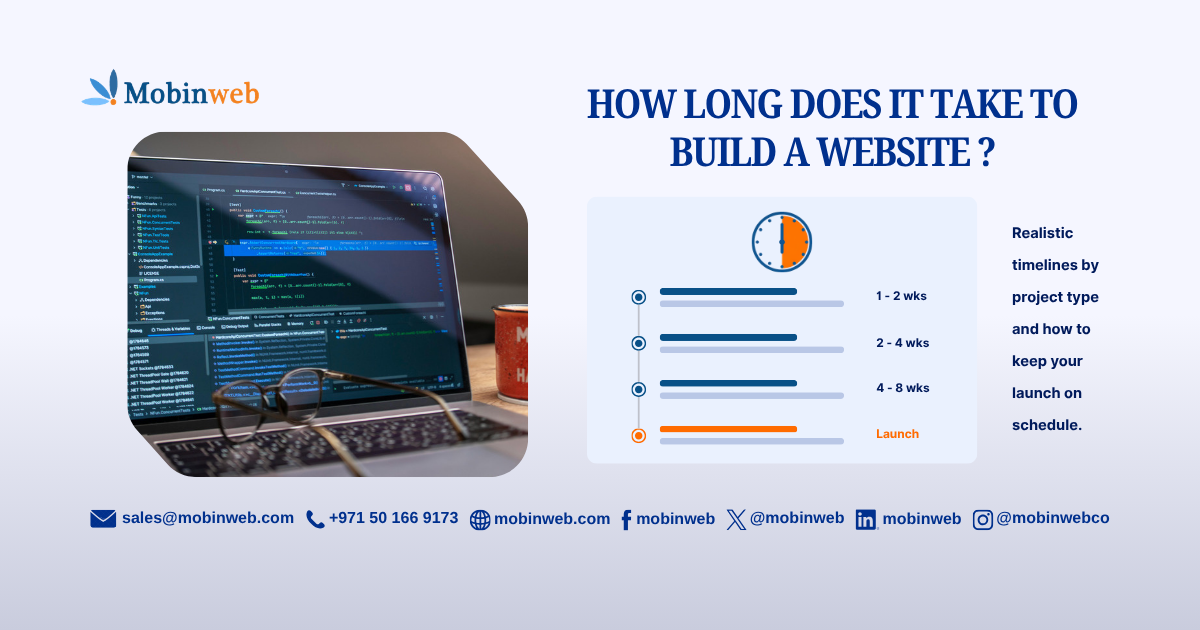
Q: How long does a website redesign take? Similar to a new build: a standard business website redesign typically takes 4 to 8 weeks, though it depends on scope. Our guide on how long it takes to build a website breaks this down by project type.
Q: Will a redesign hurt my SEO rankings? Not if it’s planned properly. A well-executed redesign that preserves your URL structure, redirects old pages correctly, and improves site speed usually helps rankings rather than hurting them. Problems only arise when a redesign is done without an SEO migration plan.
Q: How much does a website redesign typically cost? It varies widely based on scope and functionality, similar to a new build. The clearest way to get an accurate number is a scoped quote based on your actual site and goals rather than a generic average.
At Mobinweb, we help businesses figure out honestly whether they need a full redesign or just a focused refresh — before recommending either one.
Not sure which one your website needs? Talk to our website development team for a straightforward assessment of what’s actually holding your site back.
For more practical guides like this, visit the Mobinweb Insights blog.
One Comment